Starting on September 2022, Microsoft has stopped accepting IMAP connections for Office 365 accounts.
1. Go to your Exchange admin center. It can be also accessed via the Office 365 home page > All Apps > Admin > Show all > Exchange Admin center.
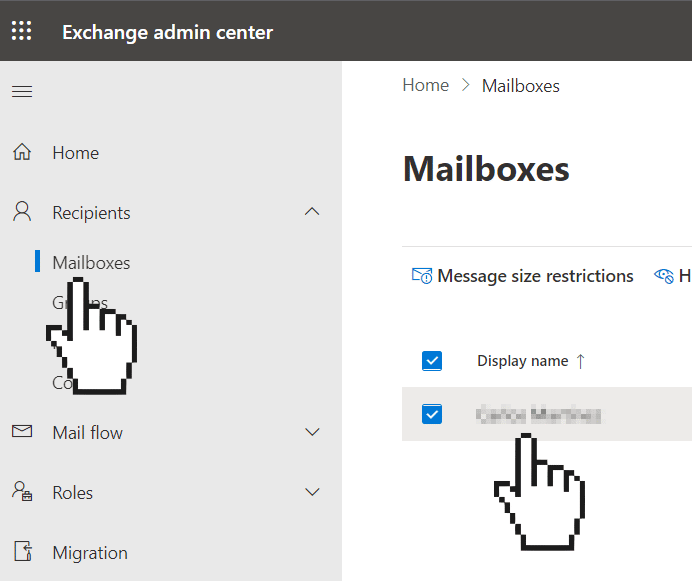
2. Then click on Mailboxes and select the Mailbox where you want to enable IMAP access
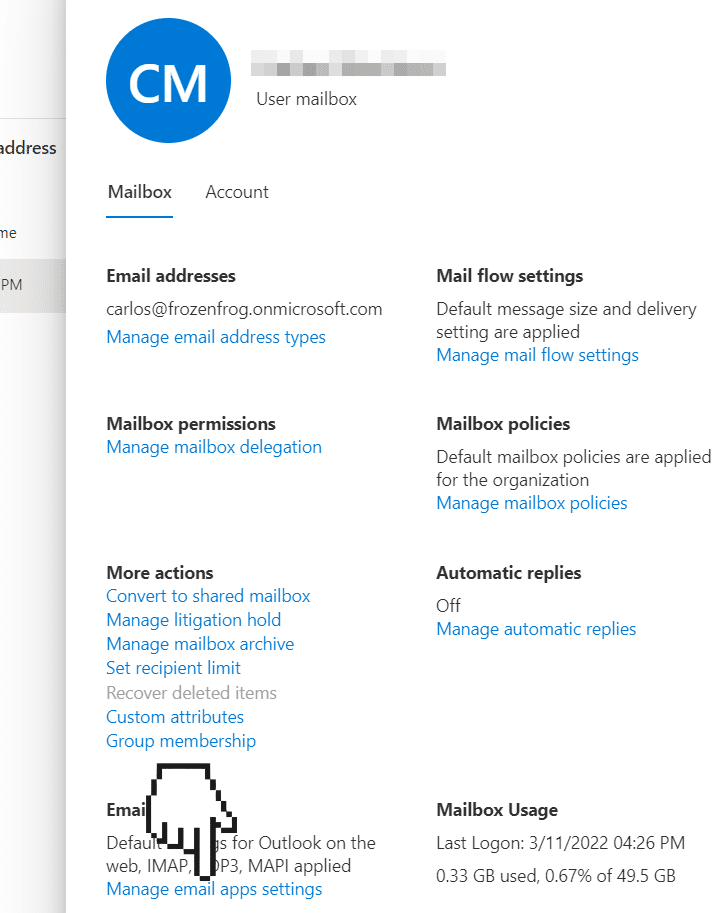
3. On the right panel, click on Manage email apps settings
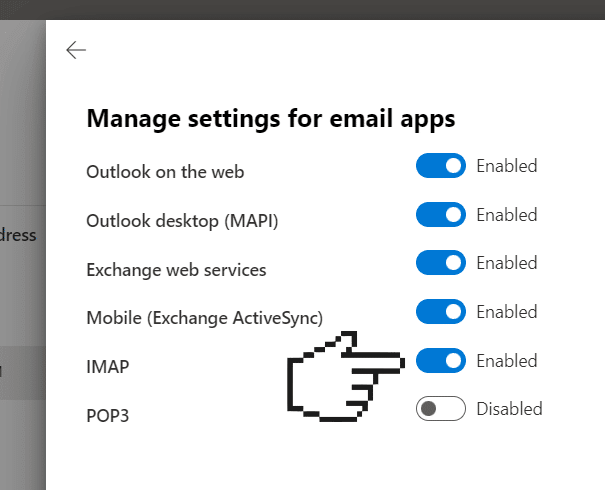
4. Finally, enable IMAP and click Save