
When you download a configuration profile from a website or an email message in iOS 12.2 or later or in iPadOS, you need to go to the Settings app to install it.
After you download a profile, you’ll see the message Profile Downloaded. To install the profile, follow these steps:
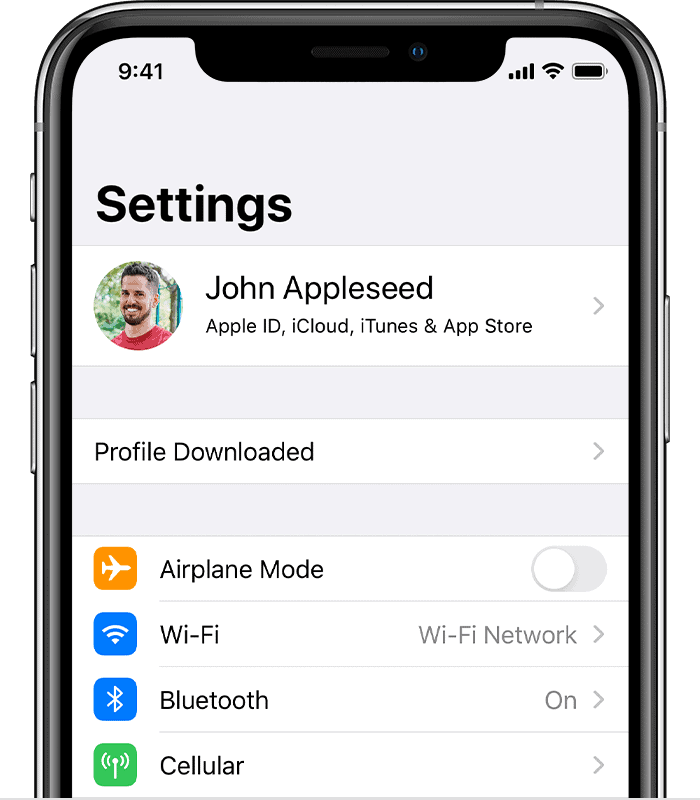
3. Tap Install in the upper-right corner, then follow the onscreen instructions.
4. Enter your email password.